Features

Everything on one customer

Their texts, photos and video sit alongside their jobs, quotes and invoices — so you stop hunting through four apps to answer one question.

Van and office

Phone for the van.
Computer for the office.

Same customers on both. Jobs on a map, customer details beside the list, money in one place. Nothing to copy across. Click the left menu to move around.

Van

Run the day on your phone. Text the customer, send a photo or video, mark the job done.

Office

Same customers on the computer. Quotes, invoices and the round on a bigger screen.

Click the left menu to switch screens · click the screen to enlarge

The difference

One customer. One conversation. Everything on it.

Text the customer straight from the app, send a photo or video, and keep the whole conversation on that customer — with the jobs and invoices.

  • One conversation per customer — texts, photos and videos together
  • Before-and-after footage stays on the customer, ready to send
  • Send photos, video, a Direct Debit form or a review link from the same chat
  • Your own business number to text from, on Pro and Growth
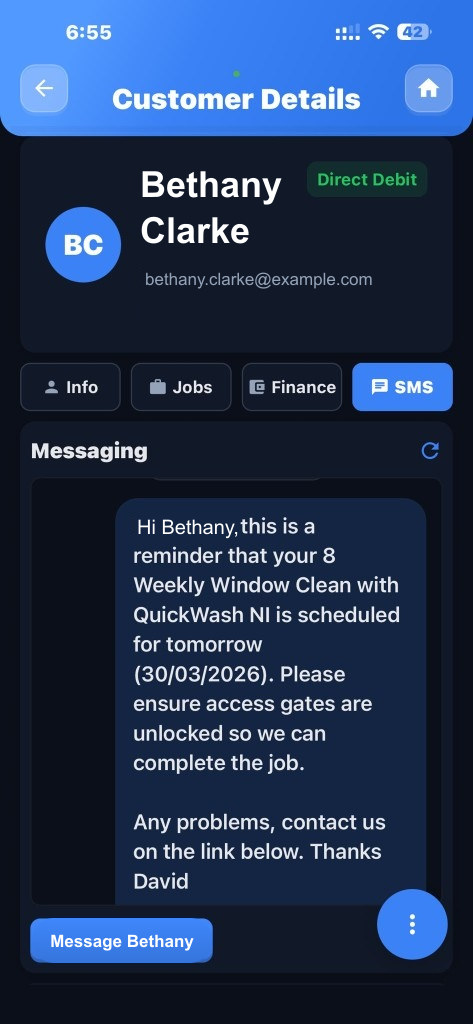
How texting works

A customer's messages, with photos and videos, kept on their record
Repeating cleans & routes

Tell it how often. The jobs get booked.

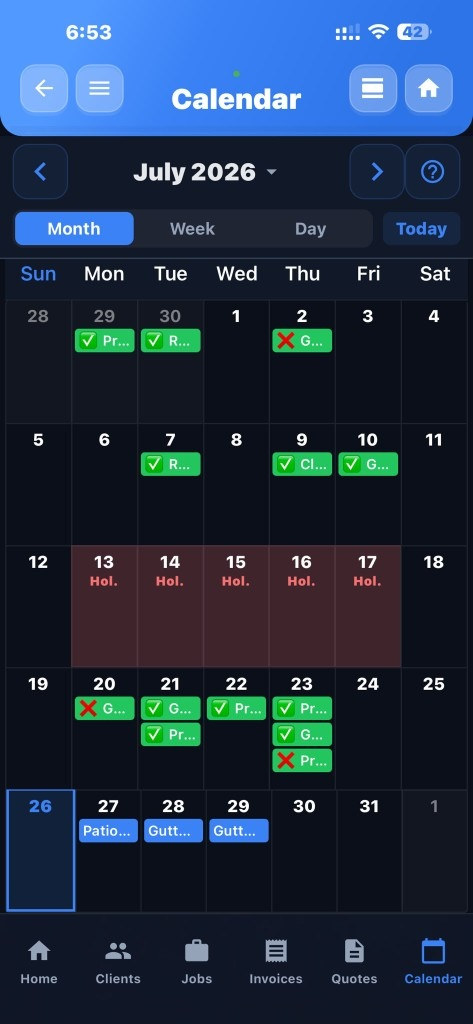
You set how often each customer needs a clean. Extero creates the jobs, puts the stops in order on a map, and shows who is due next.

  • Repeating jobs created for you
  • Best stop order on a live map
  • Work the list and mark paid on site
  • Due-for-clean list so nobody gets skipped

How repeating jobs work

Monthly calendar with recurring round jobs already scheduled
Getting paid

They pay you. Money goes to your bank.

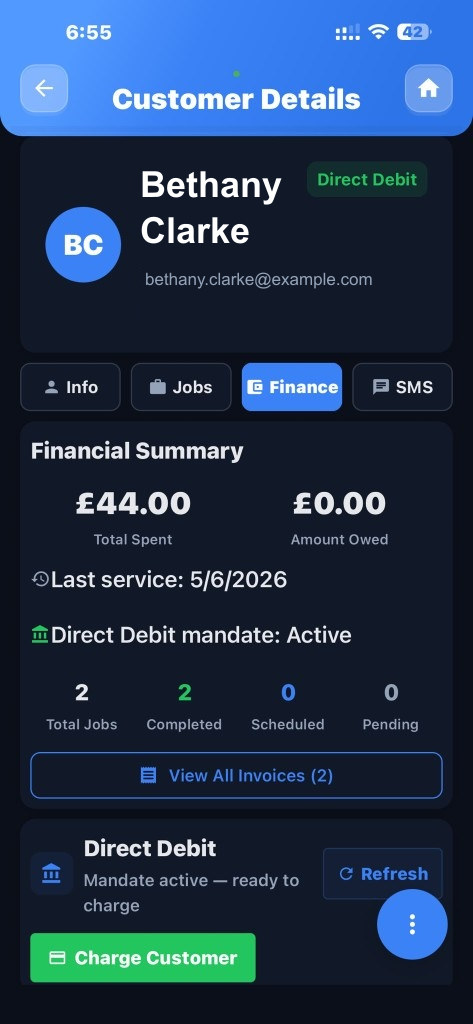
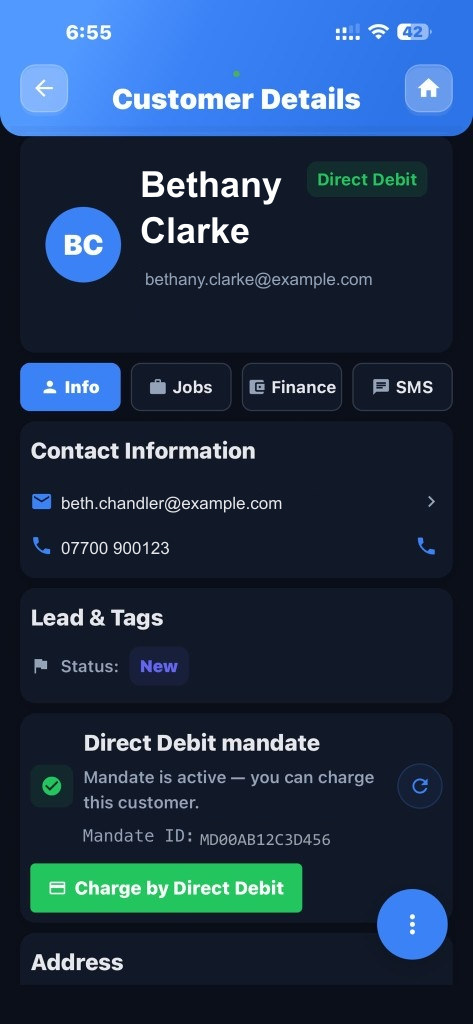
Connect your own GoCardless account in Settings. Regulars pay by Direct Debit, in your name. Cards go through your Stripe account. The money lands in your bank — never ours.

  • Invoices and receipts with your colours and logo
  • Card pay links on every invoice
  • Direct Debit for regular customers, in your own GoCardless account
  • Automatic reminders for late payments

How Direct Debit works

A customer with Direct Debit set up
After the job

One link after the job: photos, invoice, pay, review

After a clean you send one link. They see the before and after, the invoice, a button to pay, and Google, Facebook or Instagram to leave a review. They do not hunt through texts for pictures, and you do not chase the same job three times.

  • Before-and-after photos and video on one page
  • Invoice attached, with Pay Now
  • Ask for a review while the job is still fresh
  • Send from the job, by text, from your business number

What the customer gets after a job

Your job is complete

Thanks Helen — patio pressure wash

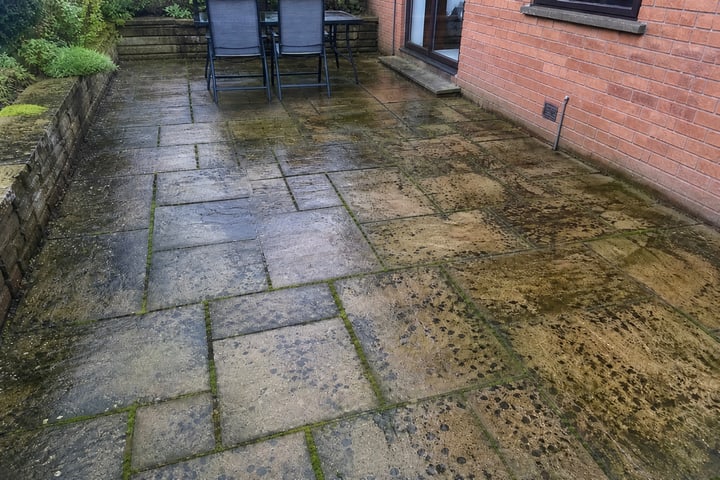
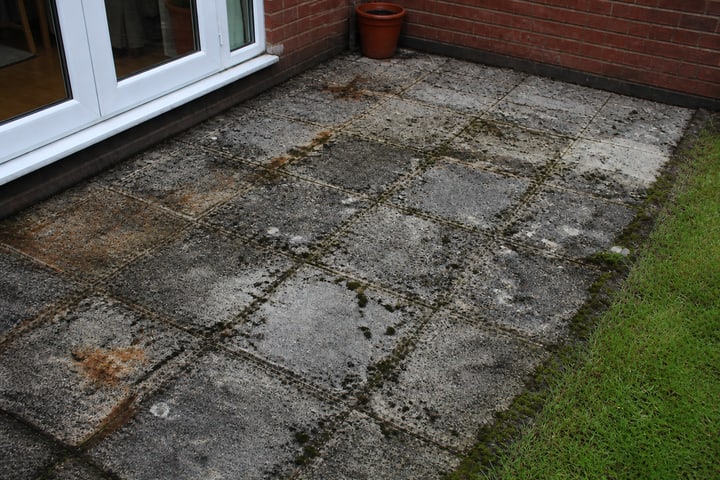
Before

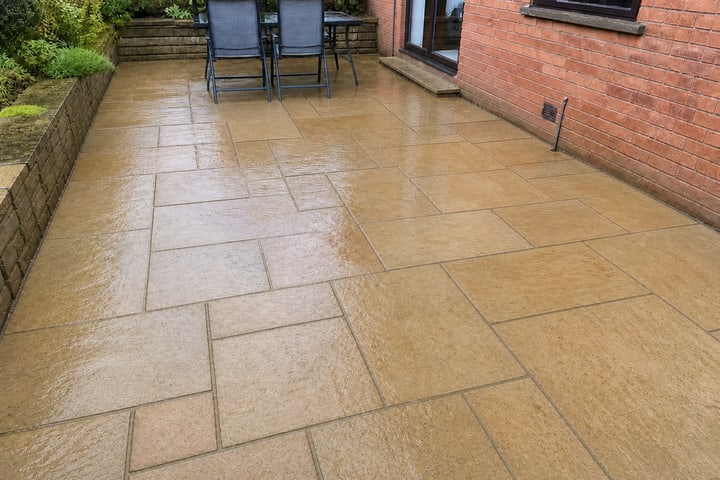
Patio before the clean Patio before, second view

After

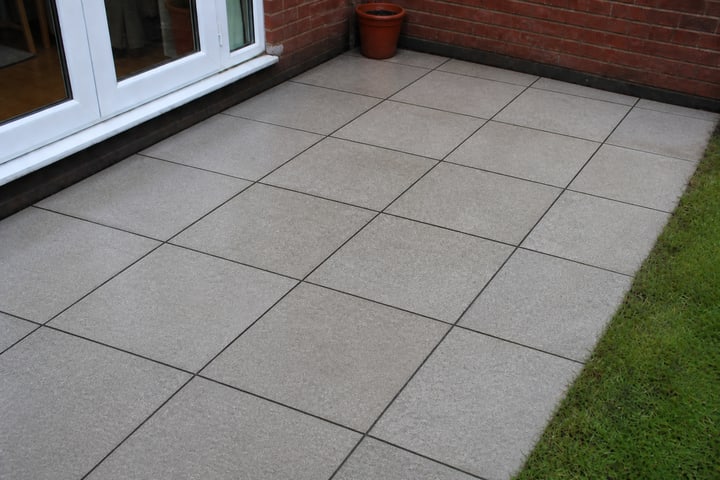
Patio after the clean Patio after, second view
Pay now — £90.00

Leave us a review

Google Review Instagram
Growth plan

Facebook enquiries land in the app

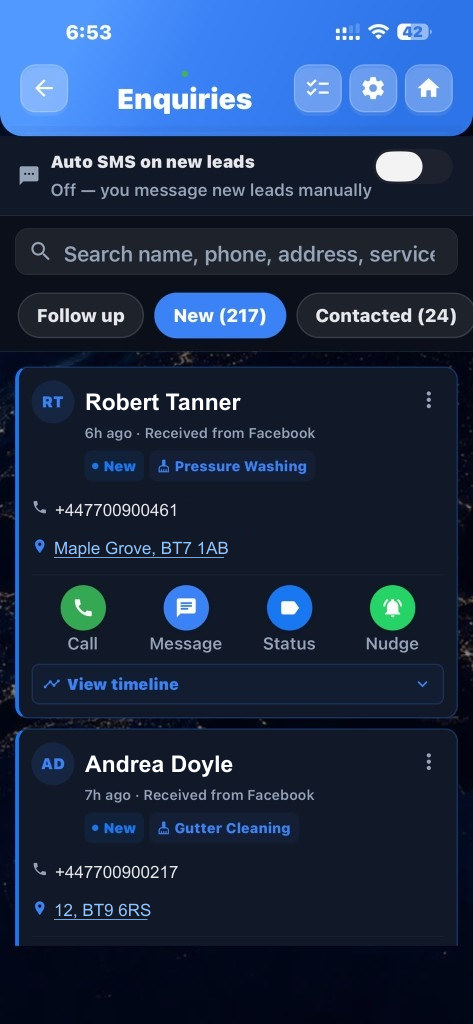
On Growth, when someone fills in your Facebook ad they show up in the app straight away. Text them back, mark where you have got to, turn them into a customer, and open Maps to drive out and price it.

  • Every enquiry in one list, so none go cold
  • Replies you wrote once and can send in a tap
  • Turn an enquiry into a customer in one tap
  • Open Maps for the trip out to quote

How to send a quote

Enquiries inbox with Facebook leads
Customers

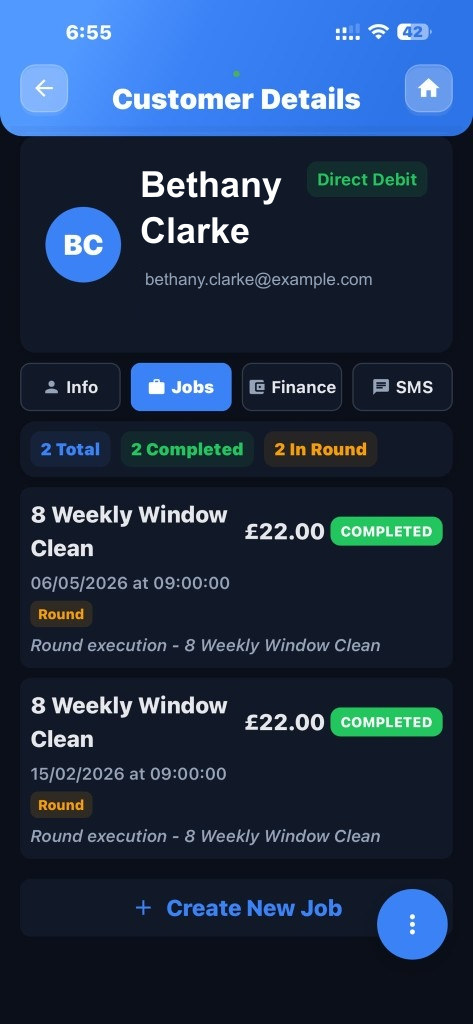
Everything about a customer in one place

Phone number, address, messages, photos, videos, past jobs and what they owe — all on their record. Search a name and it is all there, in the van or in the office.

  • Type a postcode to fill the address, or bring your list in from a spreadsheet
  • Jobs, photos, videos and money on one screen
  • Works on iPhone, Android and the web
  • Same customer on the phone and the office computer
Paperwork

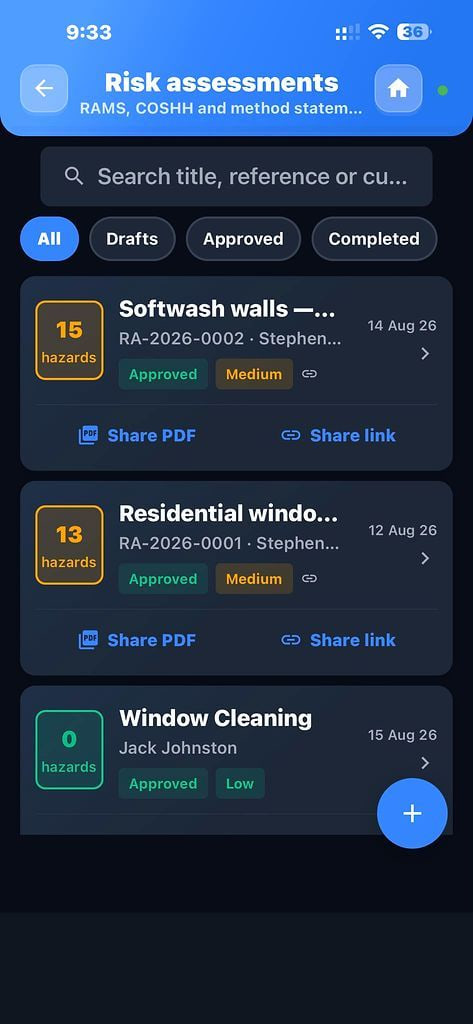
Risk assessments and COSHH sheets

The paperwork commercial customers and letting agents ask for before you go on site. Fill one in from a template, save it as a PDF and attach it to the job. On Pro and Growth.

  • Templates you fill in once and reuse
  • Hazards, how you control them, and the chemicals you use
  • Saves as a PDF ready to send
  • Kept on the job so you can find it later

How to do a risk assessment

Risk assessment templates with hazards, controls and COSHH